What makes an app a Dynamic Island app?
“Dynamic Island app” is a useful description rather than a separate kind of download. You install an ordinary iPhone app, and one of its features can appear in the Island when an activity is running. The full app is still where you set things up or do a larger task.
Apple’s own examples include a Voice Memo recording, an AirDrop connection, and directions from Maps. Third-party apps can use Live Activities to show ongoing information and quick actions. Installing an app alone does not necessarily start its Island presentation.
Choose by what you want to keep in view
| Type of activity | What you might want to see | What to look for |
|---|---|---|
| Timers and recordings | Elapsed or remaining time | Clear progress and useful controls |
| Travel and journeys | The current stage of a trip | Updates relevant to your journey |
| Sports and events | Changing information during an event | The events and teams you follow |
| Pixel pets | A small animated companion | The character and interactions you enjoy |
You do not need an app in every category. A good choice earns its space by showing something you want to glance at, or simply by making you happy to see it there.
Where Feed The Frog fits
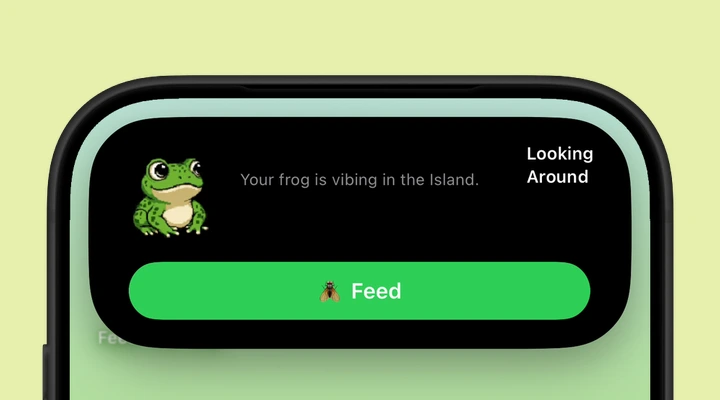
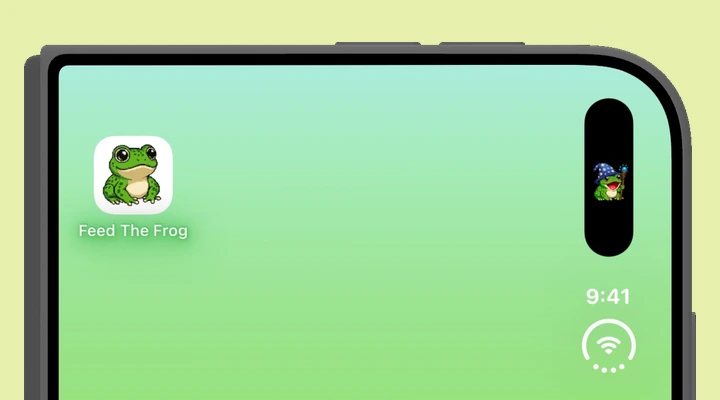
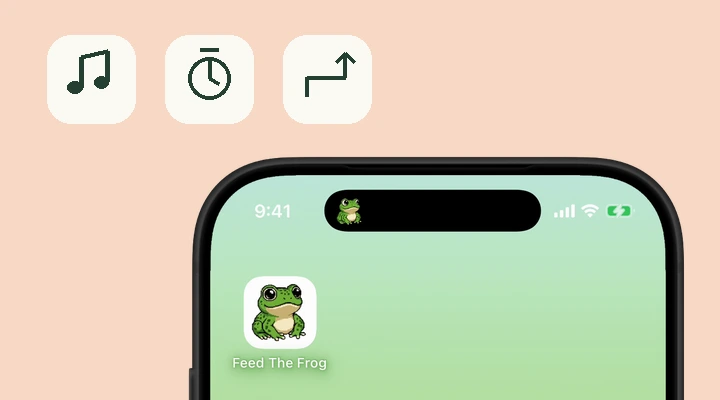
Feed The Frog uses the Island for a pixel companion you can feed and collect animations for. It is the playful option: a frog blinking, looking around, sleeping, catching a fly, or holding a wizard staff.
Start the Live Activity from the app, then return to your Home Screen. Touch and hold the Island to expand the activity. When the frog is ready, the Feed control lets you give it a snack. If that sounds like your kind of app, the setup guide walks through the first session.
Check the phone and the display
A Dynamic Island experience needs an iPhone with that hardware. A phone with a notch cannot gain an Island just by installing an app. Some apps also offer a Lock Screen Live Activity, which can be useful on a supported phone without an Island.
iPhone Duo supports the Dynamic Island too, with a vertical presentation along the side of its outer and inner displays. The layout is different from the top-mounted Island on a standard iPhone. Feed The Frog supports Duo; read the Duo guide to see what to expect.
Expect an activity, rather than a permanent screen change
Live Activities can end, be dismissed, or share space with another activity. A frog or a journey update may be less prominent while something else is using the Island. Touch and hold to expand the activity, or check the Lock Screen for a larger view.
Before choosing an app, check how you start its activity, which controls it offers, and whether the feature you want requires a purchase. For Feed The Frog, the Live Activity switch is inside the app. If the frog disappears after a session, reopen the app when you want its company again. Our troubleshooting guide helps if it never appears.
A few more questions
Do Dynamic Island apps work on iPhone Duo?
Yes. iPhone Duo supports Dynamic Island activities along the side of both displays. Each app determines the information and controls its activity provides. Feed The Frog supports the Duo experience.
Is a Dynamic Island app the same as a widget?
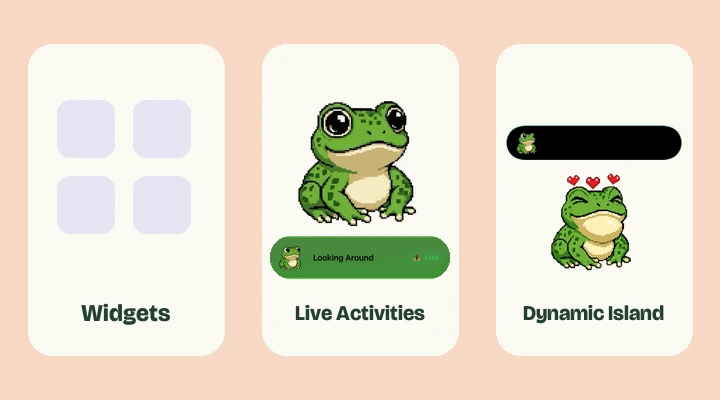
No. A widget is placed in your Home Screen or Lock Screen layout. A Live Activity is an ongoing session that can appear in the Dynamic Island and on the Lock Screen. Feed The Frog uses Live Activities for its screen companion.
More about iPhone features
Say hello to your frog.
Try the preview, then bring a little company to your iPhone.
Download on theApp Store