What you need before you start
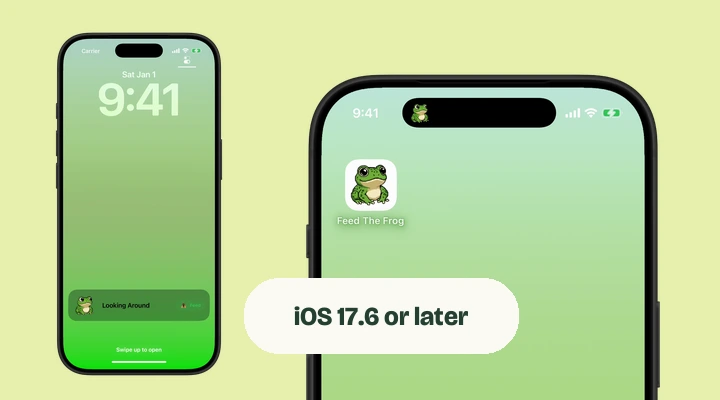
You need an iPhone running iOS 17.6 or later to install Feed The Frog. To see the frog in the Dynamic Island, your phone also needs the Dynamic Island hardware. A software update cannot add that part of the screen to a phone with a notch or Home button.
If your iPhone does not have a Dynamic Island, you can still use the in-app animations and the Lock Screen Live Activity. Start with our iPhone compatibility guide if you are unsure which experience your phone supports.
Set up your first frog
- Download Feed The Frog from the App Store and open it.
- Turn on the switch in the Dynamic Island section of the app.
- Choose Blinking, the animation available from the start.
- Allow Live Activities if iOS asks for permission.
- Go to your Home Screen and look for the frog in the Dynamic Island. On iPhone Duo, it is along the side of the display.
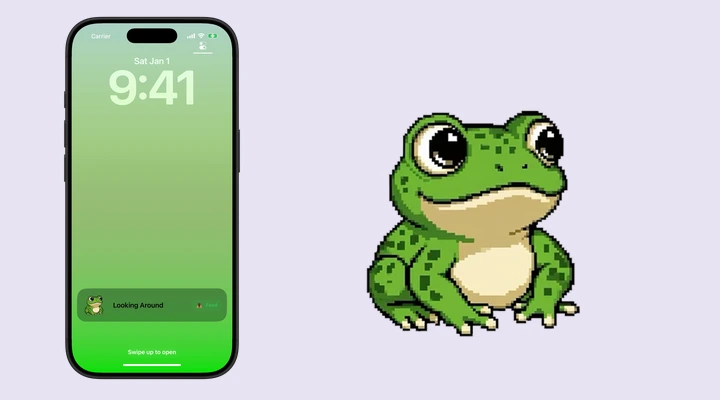
The frog is part of a Live Activity. You do not add it through the wallpaper editor or the Home Screen widget gallery. Once the activity starts, iOS manages its presentation.
Feed your frog without hunting for the app
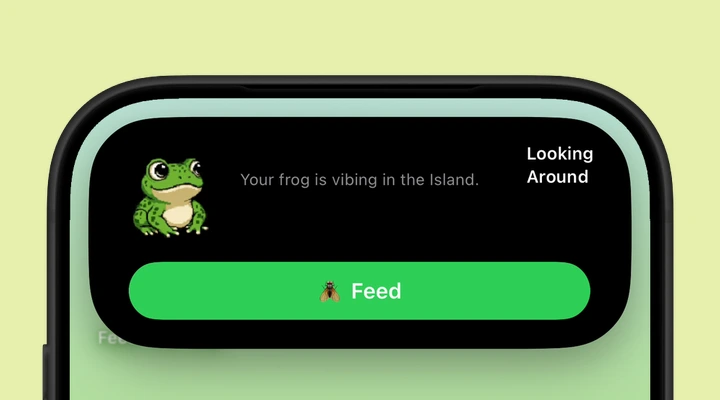
Touch and hold the Dynamic Island to expand the activity. When your frog is ready to eat, use the Feed control and watch it catch a fly. Feeding has a cooldown, so the next feed may show a countdown instead of an available button.
Each successful feed adds to the progress you see in the app. The website playground lets you try the animation immediately, but that preview does not add feeds to your iPhone. See the feeding and unlock guide for the complete progression.
Choose a different animation
Open Feed The Frog and select an animation you have unlocked. Blinking is the starting point. Looking Around becomes available through feeding, while Sleeping, Catching Fly, and Wizard Staff have both progress and premium requirements for Live Activity use.
Choosing a new animation restarts the Live Activity with that selection. The animation you preview inside the app and the one available for the Island can differ when a premium pack has not been purchased.
Why the frog may leave the Island
The Dynamic Island is shared with other iPhone activities. Music, navigation, calls, and other Live Activities can change what is visible. Touch and hold the activity to see its expanded view, or check the Lock Screen.
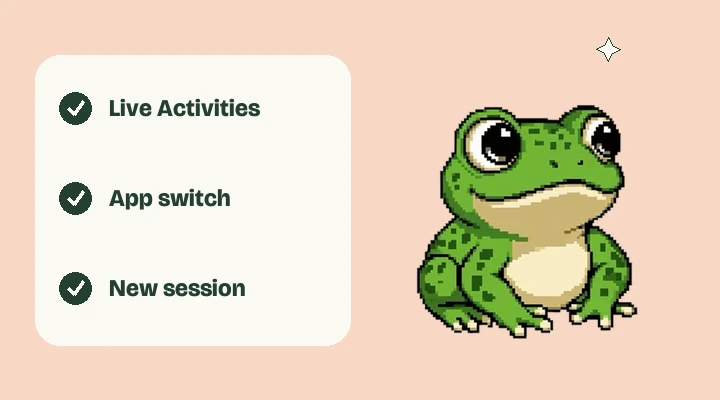
A Live Activity also has a system time limit. Apple documents an active period of up to eight hours, so reopen Feed The Frog to start a fresh session when needed. If the frog never appears, check Live Activities in the app’s iPhone settings and follow our troubleshooting steps.
More about iPhone features
Say hello to your frog.
Try the preview, then bring a little company to your iPhone.
Download on theApp Store