Five little sides of your frog
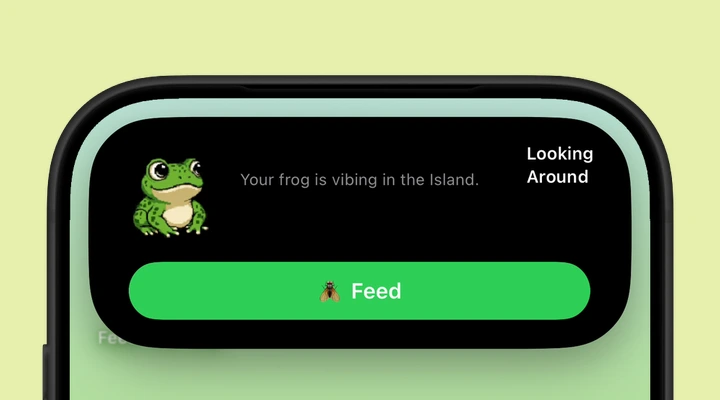
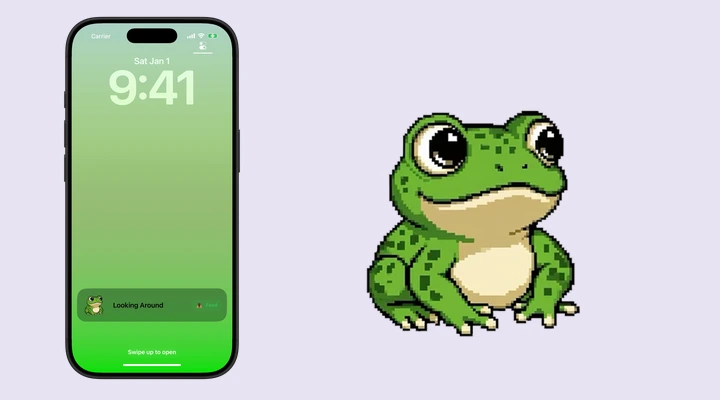
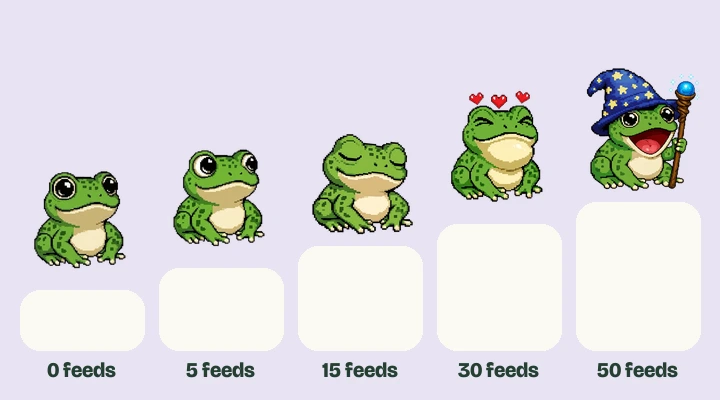
Blinking is your starting companion: a frog sitting quite happily and blinking at the world. Looking Around adds a curious glance. Sleeping brings closed eyes and little sleep marks. Catching Fly is the tongue-out snack animation. Wizard Staff adds a wizard hat, staff, and a rather different mood.
You can preview every animation here before deciding which one belongs on your phone. The website previews are open to everyone and do not change progress or purchases in the app.
The feeding milestones
| Animation | Total feeds | Live Activity access |
|---|---|---|
| Blinking | 0 | Included |
| Looking Around | 5 | Included after milestone |
| Sleeping | 15 | Milestone + premium |
| Catching Fly | 30 | Milestone + premium |
| Wizard Staff | 50 | Milestone + premium |
These are cumulative totals. Sleeping needs 15 successful feeds overall, rather than 15 additional feeds after Looking Around. The progress bar shows the current segment: 5, then 10, then 15, then 20 feeds. Together those segments reach 50.
How feeding works
Tap Feed when your frog is ready. A successful feed plays the catching animation and adds one to your total. Feeding then goes on cooldown. The countdown in the app or Live Activity tells you when the next feed is available.
You do not need to calculate the interval yourself. Wait until the control is ready, then check in whenever you feel like it. The app keeps a total so you can see which milestone comes next. Feeding from an available Live Activity control contributes to the same progress.
What the optional purchase unlocks
All Frog Packs is a one-time purchase for the premium Live Activity animations: Sleeping, Catching Fly, and Wizard Staff. You still earn each animation by reaching its feeding milestone. Once you have both, you can choose it for your Dynamic Island and Lock Screen.
The App Store shows the price for your region. Use that current price when deciding whether to buy. There is no recurring subscription for All Frog Packs. If you already purchased it with the same Apple Account, use Restore Purchases in the app rather than purchasing again.
Why a preview may work before Island selection does
The app can show artwork for an animation before it is eligible for your Live Activity. If the selection does not stay on a premium animation, first check your feeding total and purchase status. Both matter.
If you have reached the milestone and bought the pack, try Restore Purchases and reopen the app. Contact support@feedthefrog.com if it still will not select. Include your iOS version, app version, and the animation name. Never send a password or payment-card details.
Say hello to your frog.
Try the preview, then bring a little company to your iPhone.
Download on theApp Store